Dictation for iPhone · now in beta
Your best ideas don’t wait for a keyboard.
Dicta Dork catches them. You talk. Your iPhone types. Nobody else listens.

Design
How it works
From mumble to mail in four steps.
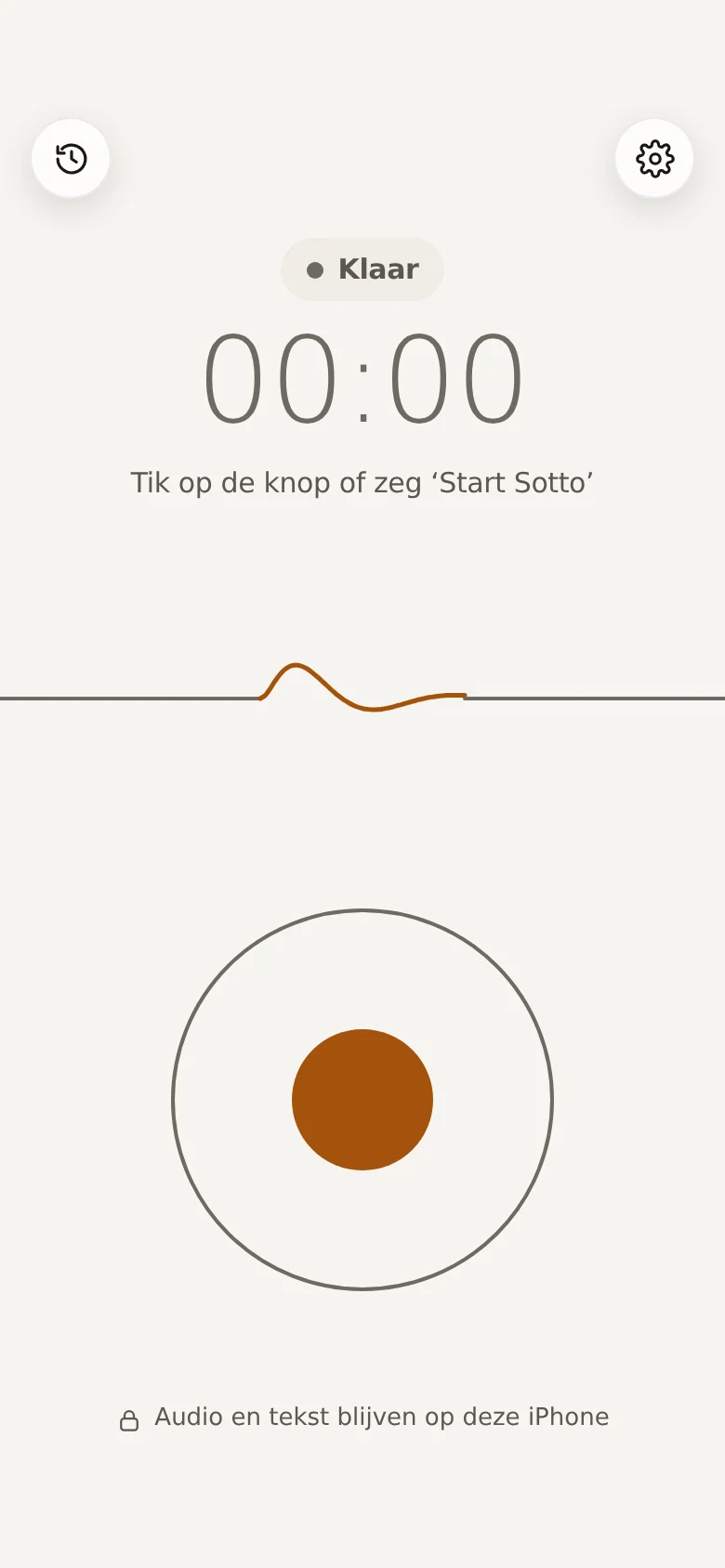
Talk
Tap the button. Ramble for up to 30 minutes. We don’t judge.
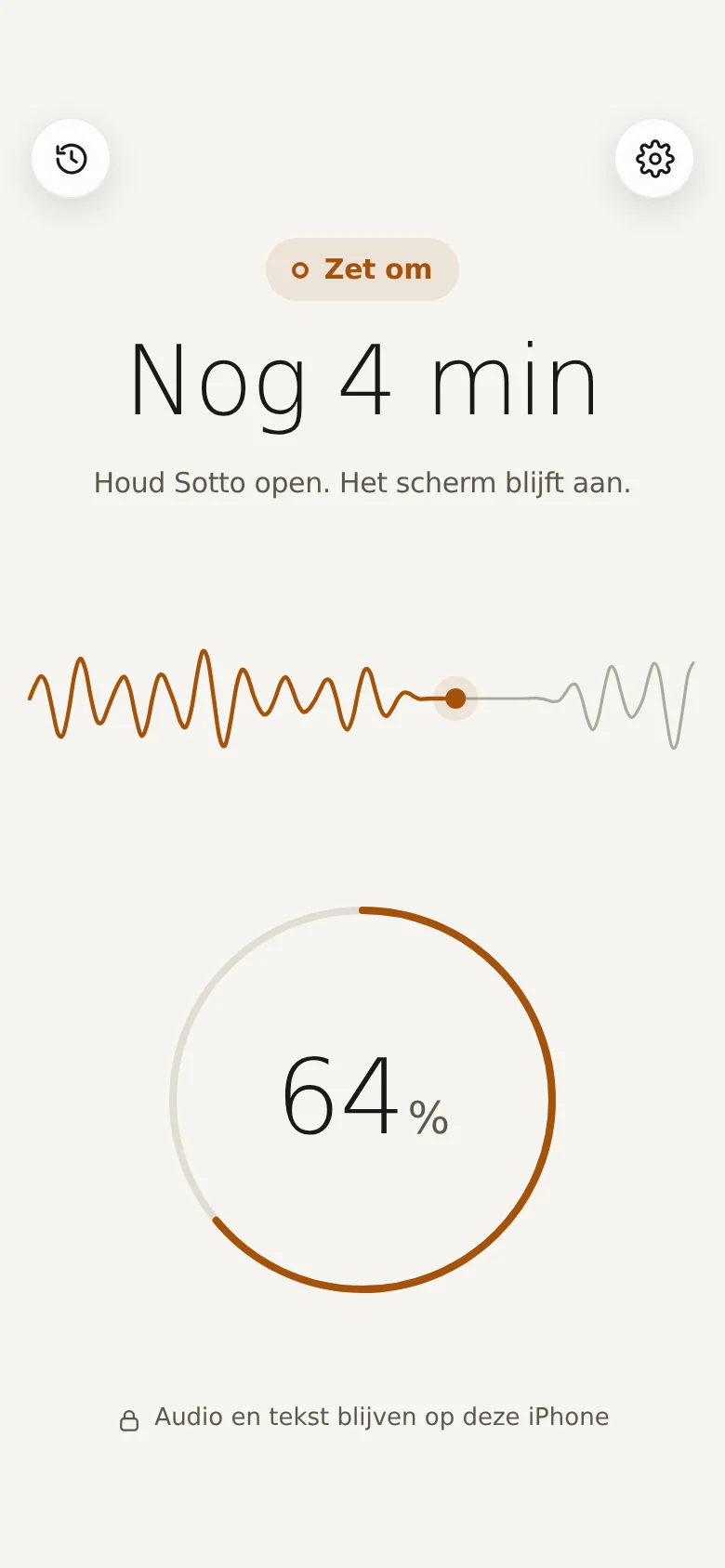
Dicta Dork types
Your iPhone turns the recording into text. On the phone itself. No server, no eavesdropping.
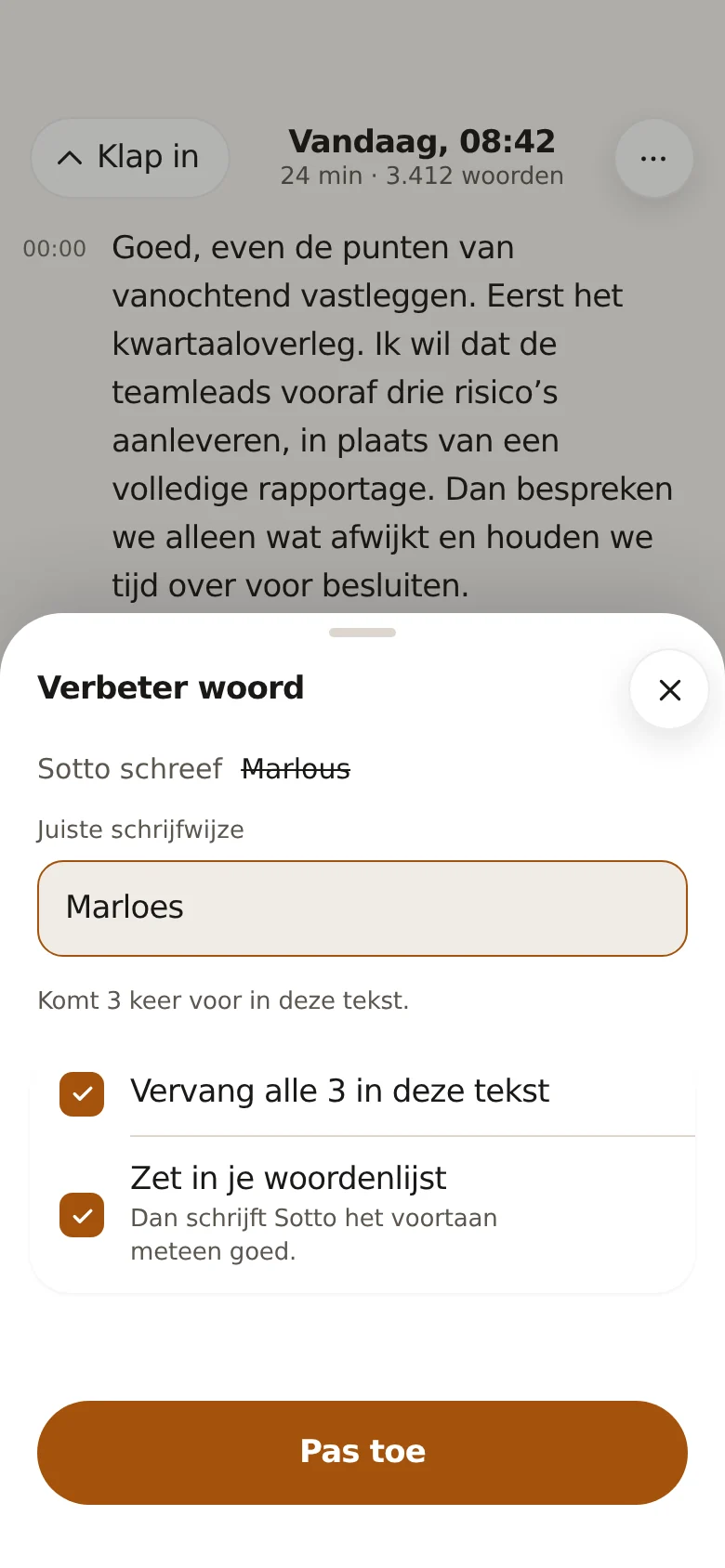
Read and fix
Read it back. Fix what’s off. Teach it a tricky word once, and it remembers.
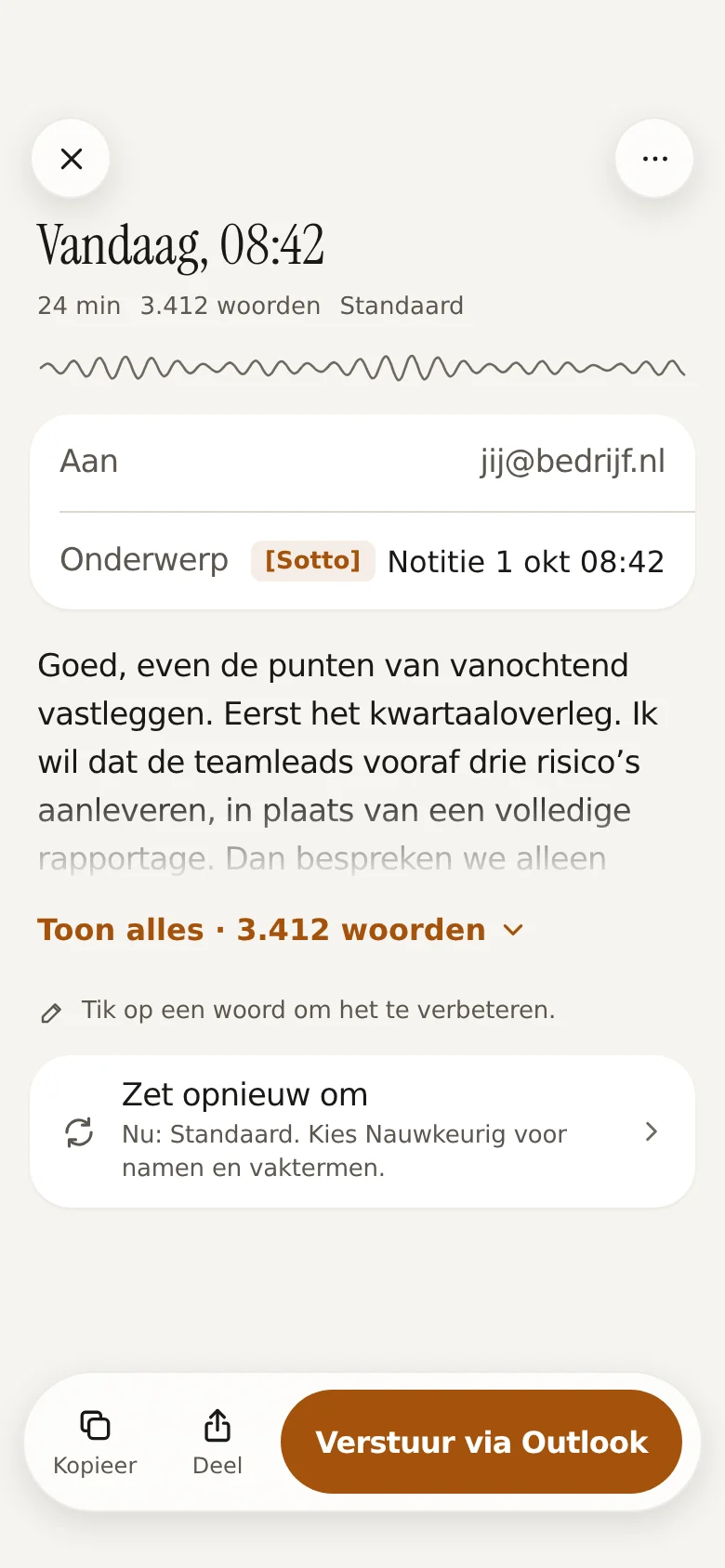
Send
Send it through Outlook. Or copy and share it. Done before your coffee gets cold.


Screens: design.
Privacy, the short version
Your words. Your phone. That’s the whole list.
Typed on your iPhone
The transcribing happens on the phone itself. Your recording never visits a server.
No account
No sign-up, no password to forget. Install it and start talking.
No analytics
The app doesn’t track what you do. Neither does this website. Honestly, we don’t even know you’re here.
What Dicta Dork does
Silly name. Serious tool.
Up to 30 minutes
For a quick thought, and for the whole saga.
Two models
Standard and Accurate. You pick. Download once, inside the app.
Word list
For names and jargon it has to get right. Yes, even your client’s surname.
Send, copy or share
Through Outlook, the clipboard or the share sheet.
You decide how long
Texts stay 3 months, recordings 7 days. Or longer, if you’re the sentimental type. Your call, in Settings.
History on your iPhone
Your earlier dictations, right where you left them.
Who it’s for
Half dictaphone. Half nerd. All yours.
Made for professionals who do their best thinking on the move, and who’d rather not ship their words to a cloud.
Beta
Want in early?
Dicta Dork is in beta. Mail [email protected] and you’ll get a TestFlight invite.
The beta runs through Apple’s TestFlight. Dicta Dork isn’t in the App Store yet.
Dicta Dork used to be called Sotto. TestFlight shows the new name from the next beta.